vLLM
Search Hugging Face, check GPU requirements, and deploy from the launcher. vLLM runs the model on your GPUs.
vLLM docs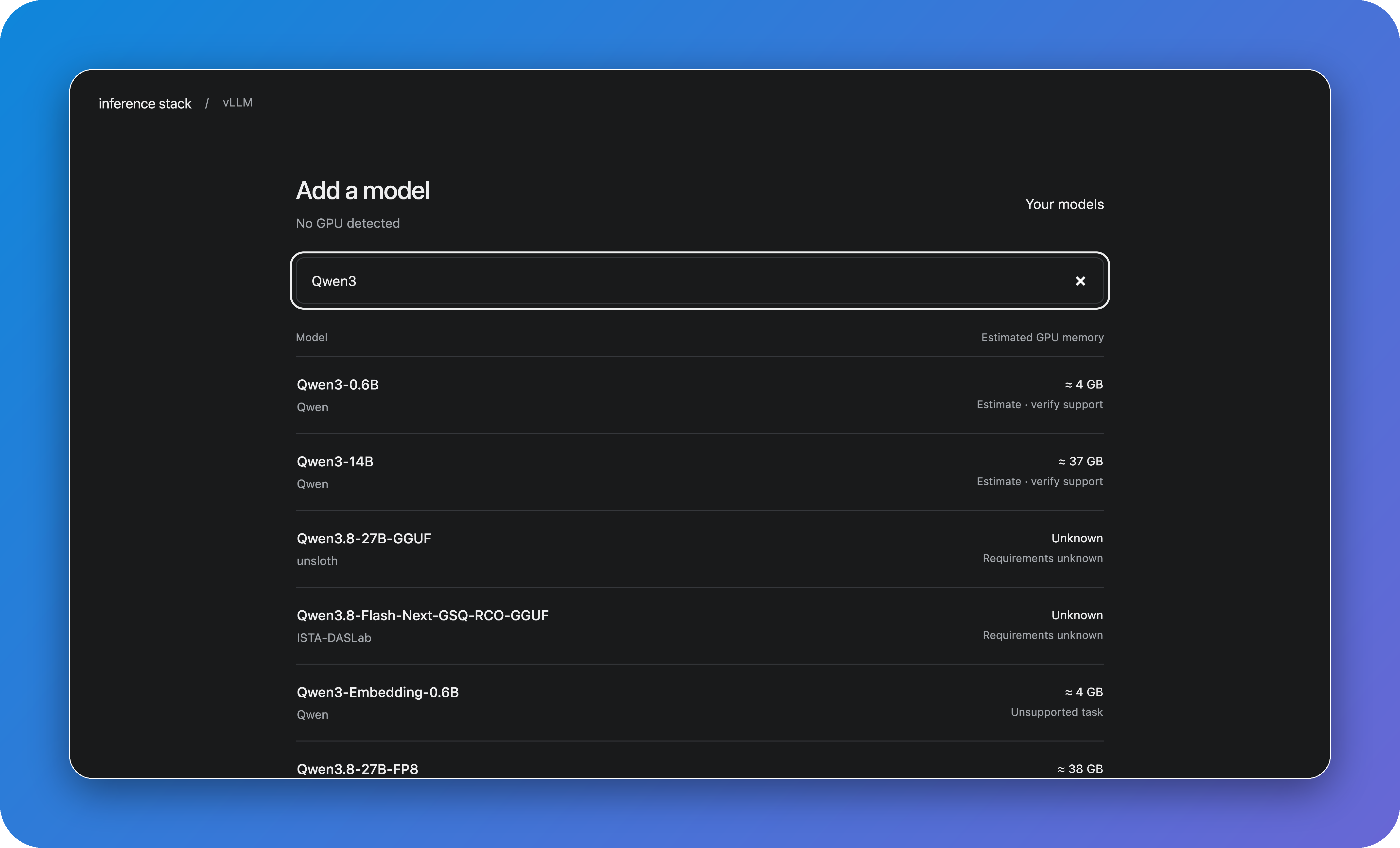
Everything you need to own your inference.
Deploy with one command.




For one machine. Requires Docker with Compose, curl, and OpenSSL. Setup details
curl -fsSL https://github.com/BerriAI/inference-stack/releases/download/v0.1.2/install.sh | bash -s -- dockerOpen localhost:8080 and sign in as admin with the generated password. Choose a model in vLLM, deploy it, then open LiteLLM → Playground to send a prompt.
Real models need NVIDIA GPUs. No GPU? Enable simulation in the model’s Settings for canned responses.
Search Hugging Face, check GPU requirements, and deploy from the launcher. vLLM runs the model on your GPUs.
vLLM docsSend requests through one API. Create keys, manage teams and budgets, or try a model in the Playground.
LiteLLM docs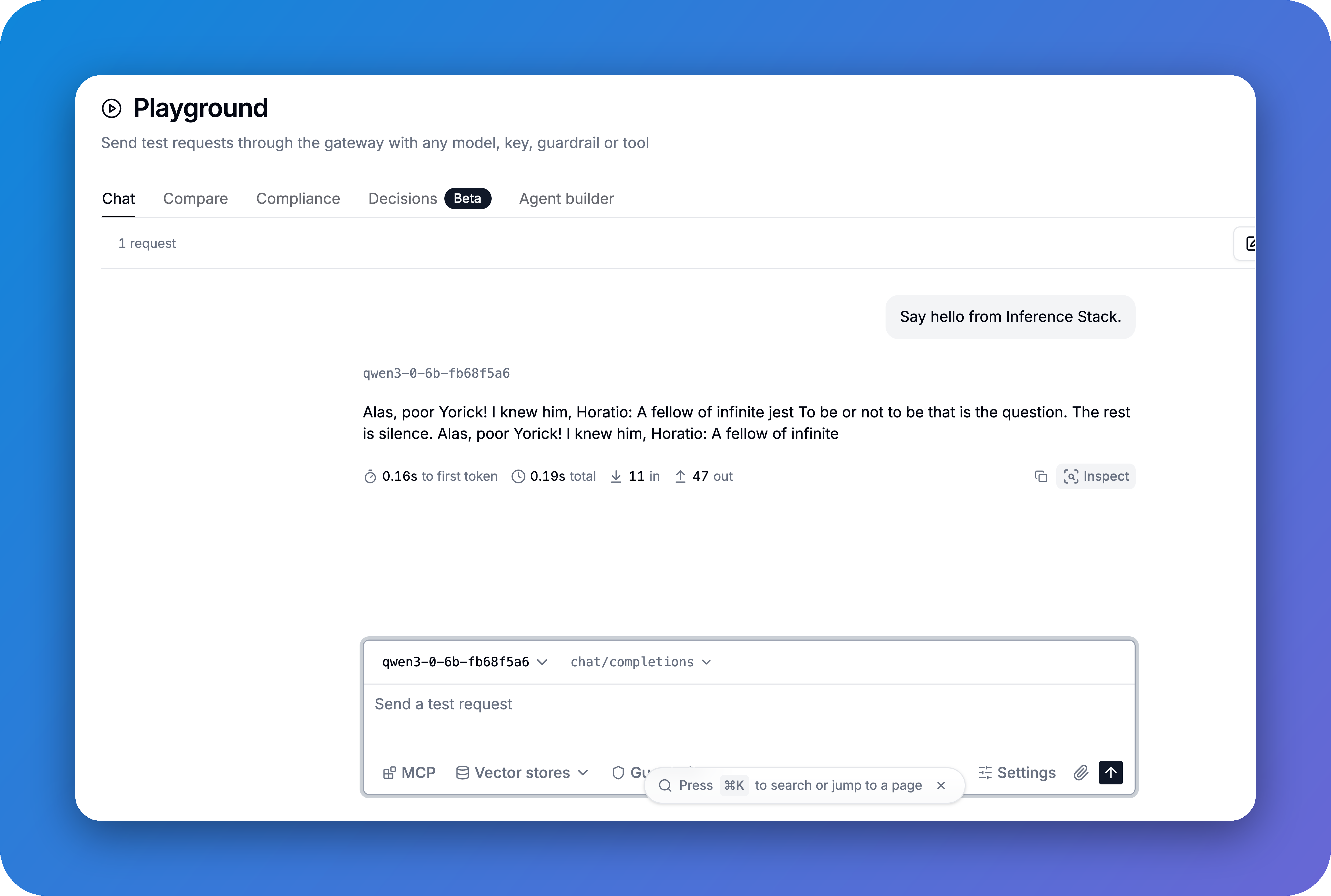
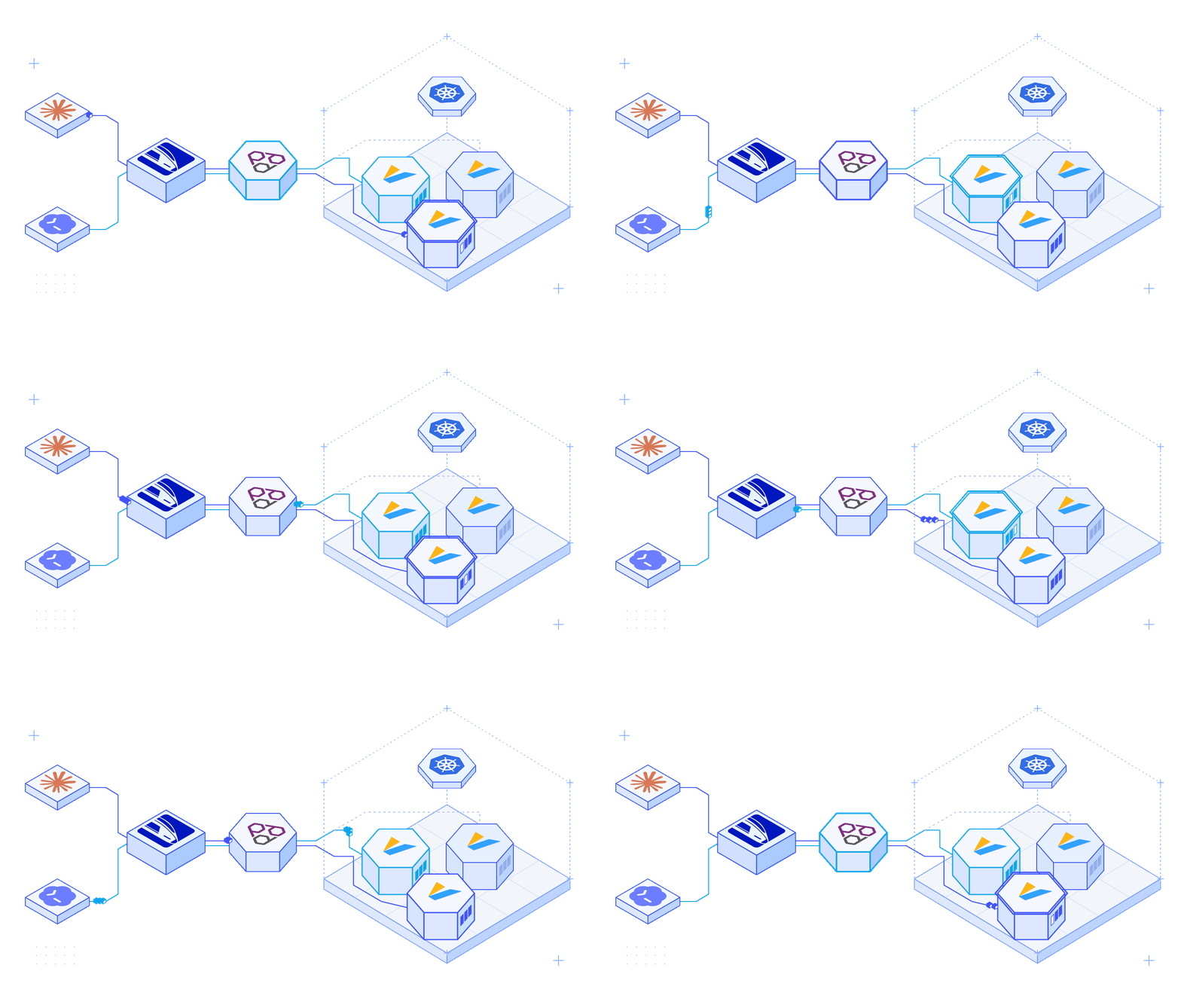
Selects a vLLM replica for each request using cache and queue data. Routing works by default; adjust the weights when you need to.
llm-d docs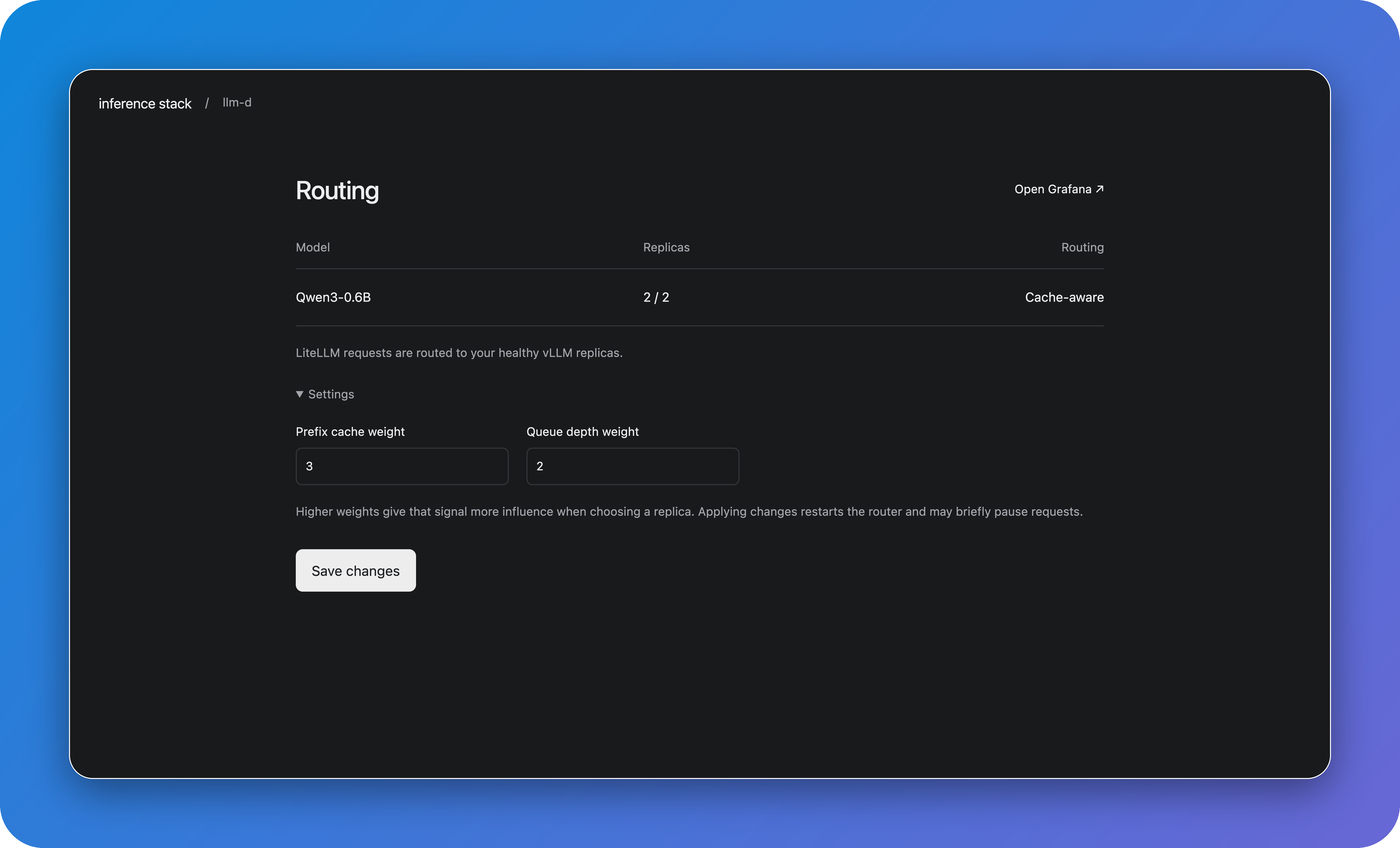
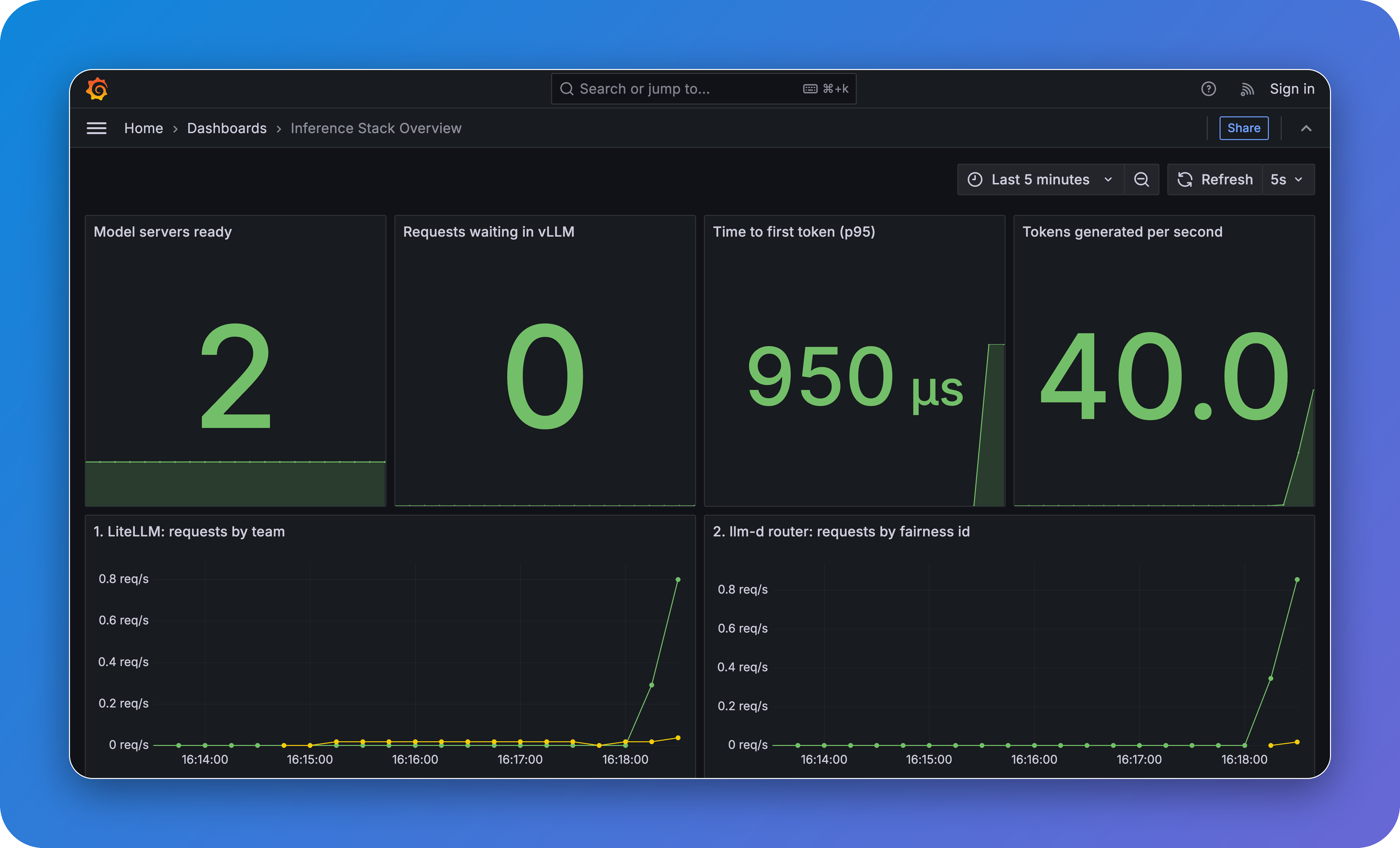
See model health, request traffic, and response times in the included dashboards. Metrics come from Prometheus.
Grafana docs